











Facing crashes, FPS drops, or loot loss in Escape from Tarkov 2025? This guide covers the 10 most common problems players face and offers practical, easy-to-follow solutions to improve your raids and survival.
EFT 2025 Crashes and Freezes: How to Fix Game Crashing Issues
Crashes and freezes are some of the most frustrating problems in EFT 2025. Many players report sudden exits during raids or freezes when loading maps. These issues can ruin your progress and make the game feel unstable.
Most crashes are caused by outdated drivers, conflicts with background software, or corrupted game files. Before panicking, start by checking that your graphics card drivers are up to date. Steam also has a built-in option to verify game files — this can fix many minor errors.
If crashes continue, lowering graphics settings can help. Reducing texture quality, shadows, and view distance often stabilizes performance. Disabling overlays like Discord or MSI Afterburner can also prevent conflicts.
Quick Fix Checklist:
- Update GPU drivers.
- Verify game files via Steam.
- Lower graphics settings.
- Close background applications.
Escape from Tarkov FPS Drops and Lag Fixes for Better Performance
FPS drops can make EFT almost unplayable, especially during big raids. Lag often happens on maps with many players or complex textures. Even high-end PCs may experience stutters without optimization.
Start by adjusting in-game graphics. Shadows, post-processing, and anti-aliasing have the biggest impact on FPS. Using an SSD for the game also reduces load times and stutters.
Sometimes network issues mimic FPS drops. Ensure you’re connected to a server with a low ping and a stable internet connection. Restarting your router or switching servers can make a noticeable difference.
| Issue | Possible Fix | Impact |
|---|---|---|
| FPS drops in firefights | Lower shadows & effects | High |
| Stutters on large maps | Install game on SSD | Medium |
| General lag | Check server & ping | High |
EFT 2025 Long Queue Times and Server Lag Solutions
With the 1.0 release, many new players joined EFT, which sometimes leads to long login queues. Waiting 30–60 minutes to start a raid is not uncommon.
Choosing servers with fewer players during off-peak hours can drastically reduce queue times. Restarting the client also occasionally moves you faster in the queue.
Server lag can also occur mid-raid, causing teleporting enemies or delayed shots. If this happens often, try switching to a different server or using a wired internet connection to reduce packet loss.
How to Prevent Loot Loss in Escape from Tarkov 2025 Raids
Nothing hurts more than losing expensive gear after dying in a raid. Loot loss is a natural part of Tarkov, but there are ways to minimize the damage.
First, always insure your equipment. Even if you die, insured items often return after the raid. Second, consider using cheaper gear when trying new maps or mechanics. Finally, learn to extract safely — rushing into unknown areas increases the risk of losing loot.
Loot Survival Tips:
- Use insurance on all valuable items.
- Avoid carrying high-value gear on risky raids.
- Learn extraction points and avoid high-traffic areas.
EFT 2025 Inventory Bugs and Stash Issues — Quick Fixes
Inventory bugs in EFT can be annoying. Items may disappear, not fit properly, or appear duplicated. These glitches often happen after updates or when using large stash layouts.
A simple restart of the game often resolves these problems. Clearing the cache and keeping the stash organized can prevent future bugs. Always double-check that items are correctly equipped before starting a raid.
Cheaters and Hacks in Escape from Tarkov 2025 — How to Deal With Them
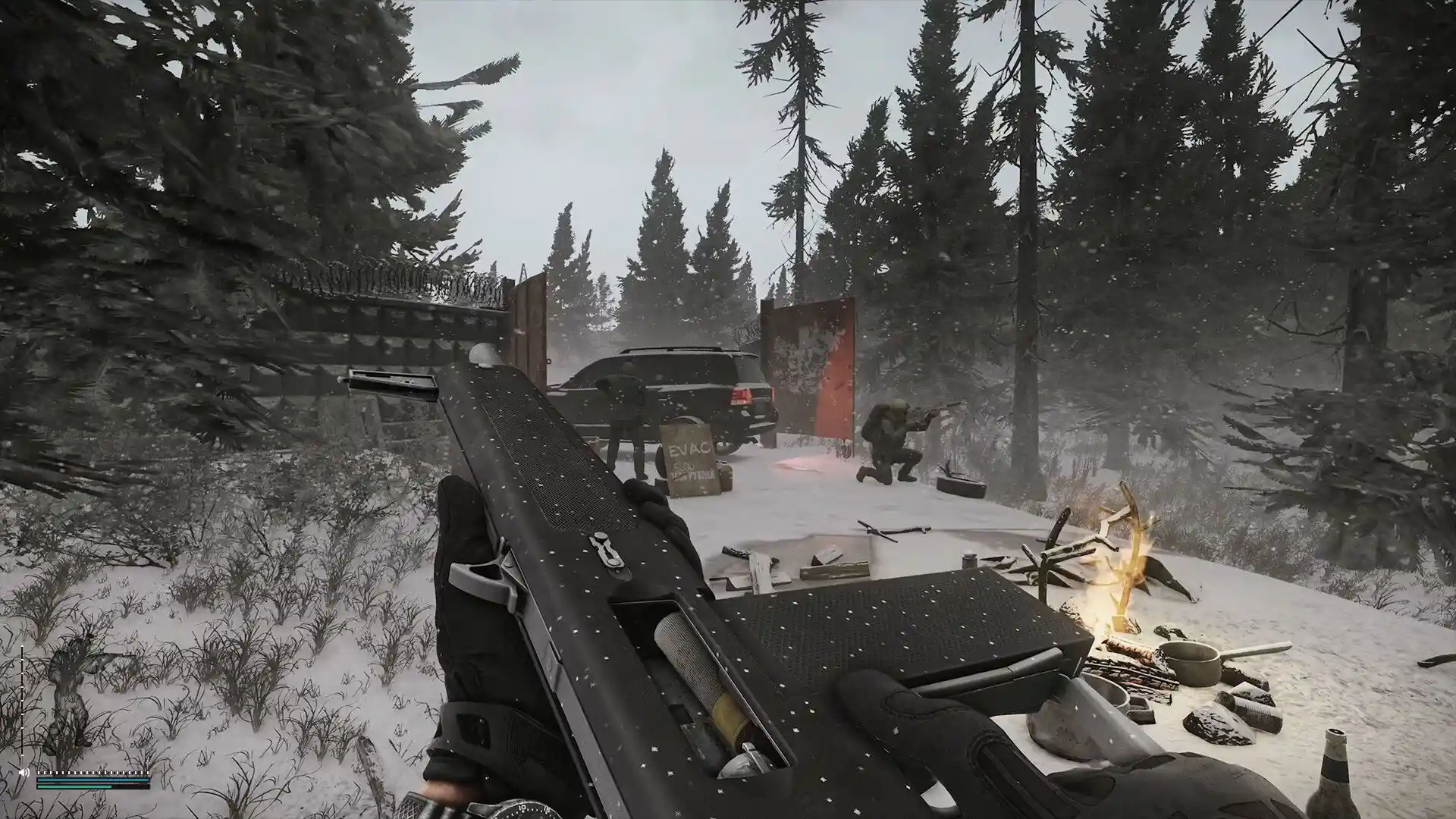
Cheating remains a major concern in EFT 2025. Players using aimbots or wallhacks ruin the experience for everyone.
The best approach is to report suspicious behavior and avoid engaging cheaters directly. Grouping with friends can reduce exposure to hackers, as you can cover each other during raids. The developers are actively banning cheaters, but staying vigilant is essential.
Tips to Avoid Cheaters:
- Play in squads to increase safety.
- Report any suspicious players.
- Avoid high-risk zones if possible.
Desync and Hit Registration Problems in EFT 2025 (Solved)
Ever fired at an enemy and felt like your bullets just vanished? That’s desync — one of the most frustrating issues in Tarkov. It usually happens when servers lag or your connection isn’t stable.
Switching to a server with lower ping and using a wired connection can help a lot. Minor tweaks in positioning and movement often save your life even when desync occurs.
Think of it as part of the challenge. It’s annoying, yes, but learning to anticipate it can turn frustrating moments into survival opportunities. Adapt your strategy, stay calm, and don’t let it ruin the raid.
Quest and Progression Bugs in Escape from Tarkov 2025 — Tips to Fix
Nothing kills motivation faster than a quest that won’t register. You complete all the steps, but the game refuses to update.
Restarting the game often solves minor glitches, but some require patience. Double-check quest requirements — sometimes items need to be in specific spots or used in the correct order.
A small checklist or notes can save hours of frustration. Focus on one quest at a time rather than juggling many, which reduces the chance of bugs interfering with your progress.
Even with these tips, occasional bugs will happen. Treat them as minor hiccups and keep pushing forward — Tarkov rewards persistence.
EFT 2025 Audio Issues — How to Fix Sound Problems
Sound is critical in Tarkov. Missing footsteps or delayed gunfire can cost you a raid instantly.
Start with basics: check in-game audio settings, update drivers, and make sure your headset is configured correctly. Often, restarting the game clears temporary glitches.
For a sharper experience, tweak Windows sound settings or use a dedicated sound card. Clearer audio makes it easier to locate enemies and avoid ambushes.
Patch Problems and Update Bugs in Escape from Tarkov 2025
New patches bring excitement, but also headaches. Glitches, disappearing items, or crashes are common right after updates.
Preparation is key: read patch notes carefully and back up your stash. Most issues are temporary and fixed in hotfixes within days.
Forums and community discussions are invaluable for finding workarounds quickly. Other players often share tips that save time and reduce frustration.
Sometimes the best approach is patience. Rushing in after every patch without checking can turn a fun raid into a stressful session.
How Our Boosting Service Can Improve Your EFT 2025 Experience
Sometimes, progressing in Escape from Tarkov 2025 can be slow, stressful, or frustrating. Difficult quests, rare loot, and leveling up can take hours, especially with crashes, FPS drops, or cheaters. That’s where our boosting service can help.
With our service, you get professional support to:
- Complete challenging raids safely and efficiently.
- Unlock quests and progression faster.
Acquire high-value loot and in-game currency without risking your own gear.
Many players use our service alongside their own gameplay. You focus on the fun parts of Tarkov — intense firefights, exploring maps, and tactical planning — while we handle the grind and high-risk objectives.
Our service is safe, reliable, and tailored specifically for Escape from Tarkov 2025 players. Whether you’re a beginner or returning after a break, it helps you enjoy the game without unnecessary frustration.
Mastering Escape from Tarkov 2025: Turn Frustrations into Wins
Escape from Tarkov 2025 can be challenging, no question. Crashes, desync, loot loss, and audio issues may test your patience. But the truth is, overcoming these obstacles is part of what makes the game so rewarding. Each raid is a chance to sharpen your skills, learn maps, and outsmart opponents.
By staying prepared, adapting to glitches, and using practical strategies, you’ll start to notice steady improvement. Small changes — like improving positioning, tracking quests carefully, or optimizing your setup — can make every raid feel more controlled and less stressful.
With persistence, patience, and the right approach, you can turn frustrating moments into memorable victories and truly enjoy the thrill of each raid.
